
Select “Login” on the site or app.
Start Your Pinco Registration in Canada
Sign up to access real-money casino games and sports betting in one place.
Pinco registration online supports one-click, phone number, email, and social sign up.
After you create your account, you can deposit, place bets, and withdraw to trusted methods.
New Pinco users can claim up to C$7,500 + 250 free spins as a welcome bonus.
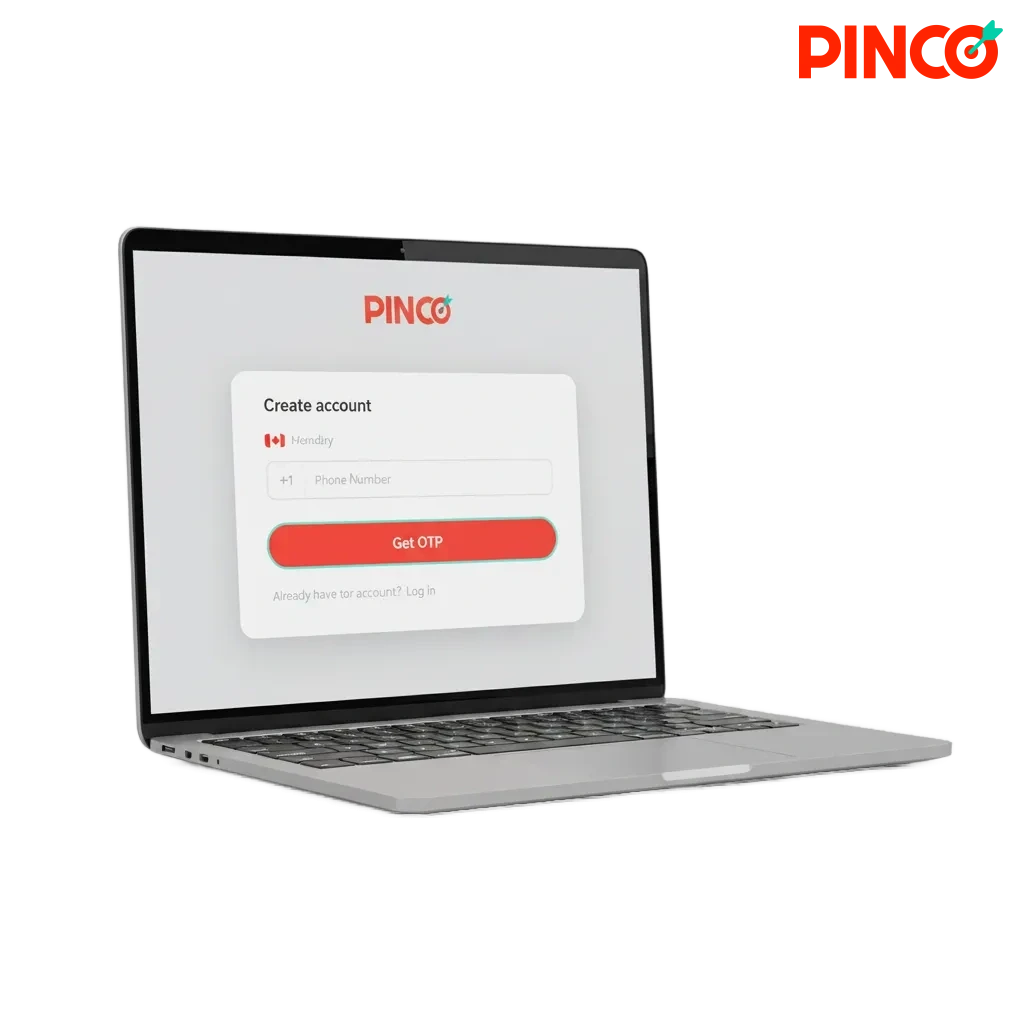
All Ways to Sign Up and Create a New Account
You can complete your registration in the way that suits you.
Pinco sign up supports phone, email, social, or one-click.
- By phone number
- By email
- Via social accounts
- One-click
Sign Up by Phone Number
Use a mobile number to receive a one-time code.
This option is fast and helps you secure your profile.
- Open the registration form and choose “Phone number”.
- Enter your number and country code.
- Enter the code sent by SMS.
- Set a strong password.
- Confirm age and accept the Terms and Privacy Policy.
Sign Up by Email
Create your new account using an email address.
This suits players who prefer password-based access.
- Open the registration form and select “Email”.
- Enter your email and create a password.
- Choose currency and agree to the Terms.
- Confirm the message sent to your inbox.
- Sign in and complete your profile details.
Sign Up via Social Accounts
Connect an existing social profile to speed up the process.
You control what you share and can set a password later.
- Select a social provider on the sign up screen.
- Approve login and data permissions.
- Confirm your email and phone if requested.
- Accept the Terms and Privacy Policy.
- Set a password or PIN in your account settings.
One-Click Registration
Get a temporary profile in one step to explore the site.
Complete your details later to deposit and withdraw.
- Hit “Register” and choose your country and currency.
- Receive an auto-generated login and password.
- Save the credentials in a secure place.
- Add an email or phone in your profile.
- Finish verification before making withdrawals.
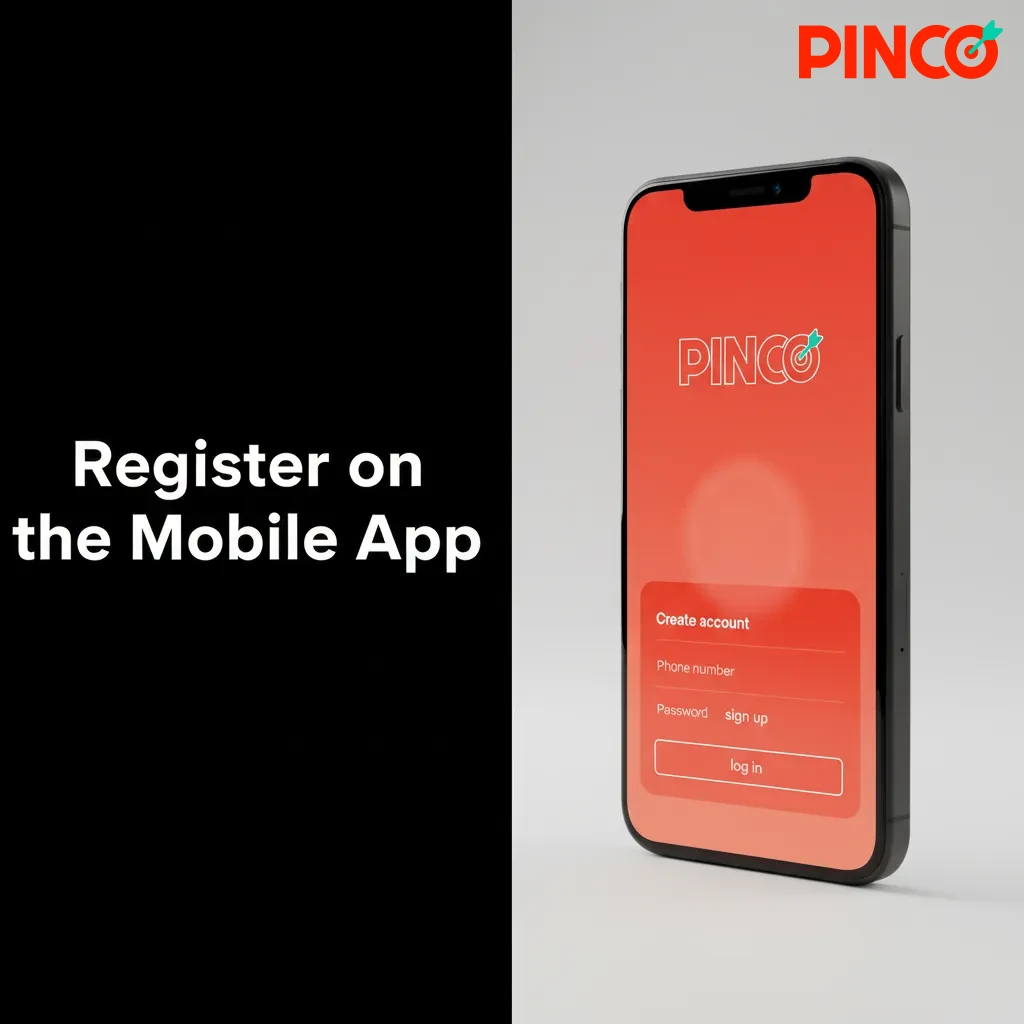
Register on the Mobile App
You can complete registration on the mobile app in a few taps.
Pinco sign up on the app mirrors the site, and adds biometric login and push alerts.
- Download and install: Tap “Download App” on this page and follow the prompts.
- Open the app: Launch it and select “Register” on the home screen.
- Choose a method: Phone, email, social, or one-click.
- Enter details and confirm: Submit your info and verify by SMS or email, then accept the Terms.
- Set security and limits: Enable Face ID or fingerprint, 2FA, and set deposit limits.
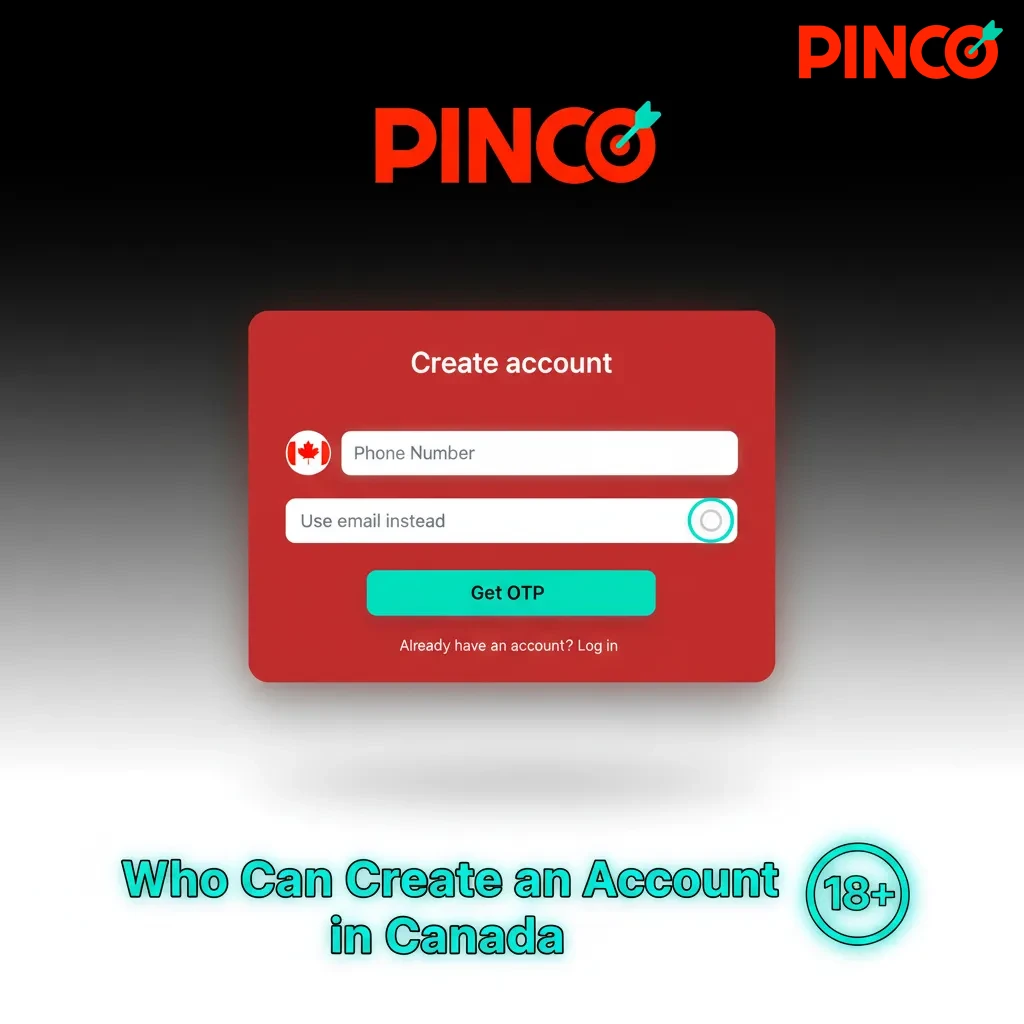
Who Can Create an Account in Canada
Registration is offered only to players allowed to gamble under Canadian law.
You must provide accurate personal details that match your ID.
One user can hold only one account.
Verification and location checks may be required before you deposit or withdraw.
- You must be of legal gambling age in your province or territory (18+ in AB, MB, QC, 19+ elsewhere).
- Your name, date of birth, and current address must be truthful and match your government ID.
- Only one account is allowed per person, device, and email.
- Use a Canadian location and allow geolocation checks, and do not use a VPN or proxy.
- Accept the Terms and Privacy Policy, consent to KYC checks, and use payment methods in your name.
How to Sign In to Your Account
Logging in takes moments on desktop and mobile.
Use the detail you registered with.
Enter your email or phone and your password, or choose your social icon.
Complete two-factor authentication or a one-time code if prompted.
Tap “Sign in” to access your account area.
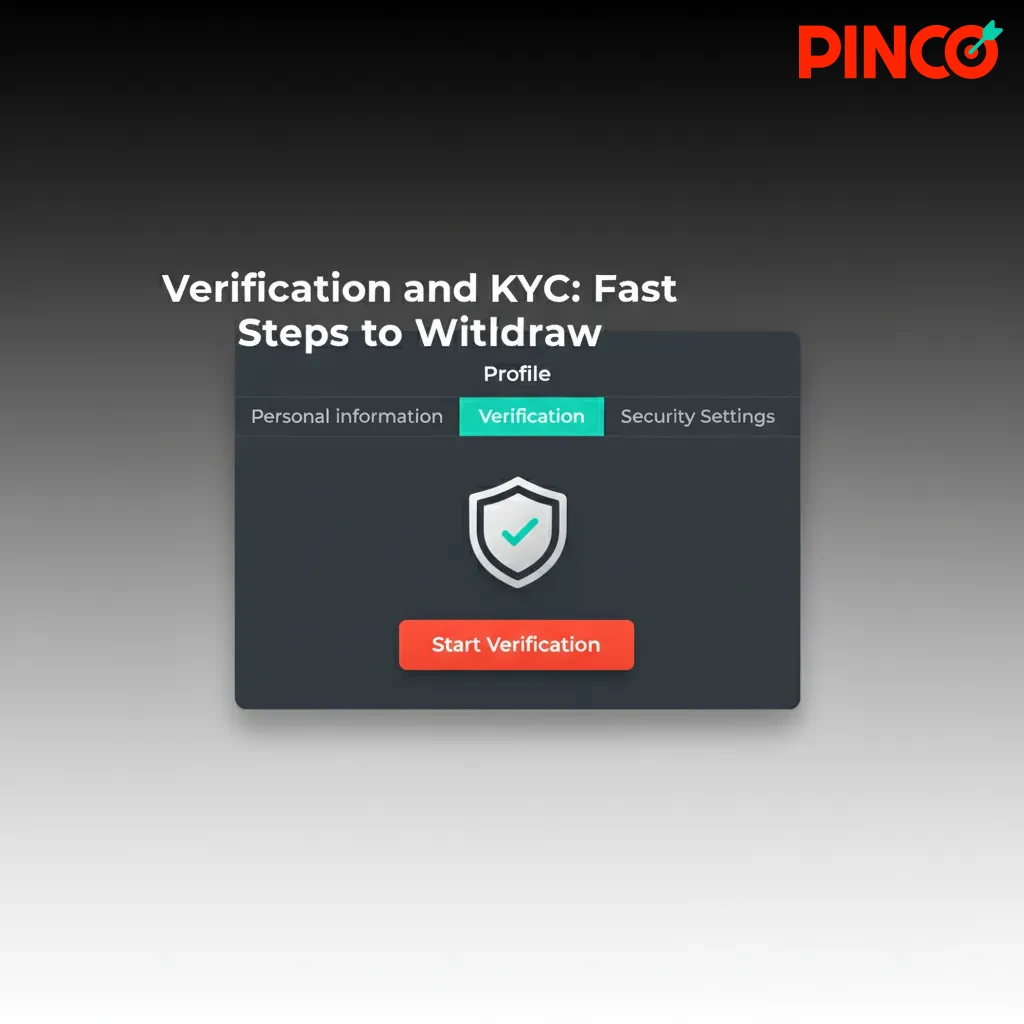
Verification and KYC: Fast Steps to Withdraw
Verification keeps your account secure and helps meet Canadian regulations.
Once verified, you can request withdrawals and raise limits.
The process is digital and usually quick.
- Profile details: Fill in your legal name, date of birth, and address in your profile.
- Identity document: Upload a colour photo of your passport, driver’s licence, or provincial ID.
- Address proof: Provide a recent utility bill or bank statement showing your name and address.
- Payment method: Verify the card or e-wallet you plan to use by uploading a safe, partial screenshot.
- Final review: Your documents are reviewed, and you will see the status in your account and by email.
Welcome Offers for New Players in Canada
New members can choose a welcome package tailored to casino or sports.
The casino path offers up to C$7,500 plus 250 free spins.
A separate sports offer is available if you prefer betting.
Pinco bonuses are subject to terms and conditions.
Casino Welcome Package
Get a multi-deposit package designed for slots and live tables.
The offer is split across your first deposits.
- Bonus size: Up to C$7,500 + 250 FS across the first 4 deposits.
- How to claim: Tick the casino bonus before you deposit, then deposit the minimum for the stage.
- Wagering: Bonus funds 35x and free spins winnings 35x.
- Minimum deposit: C$20 per stage, max bet while wagering C$7.50, expiry 7 days after credit.
Sports Welcome Offer
Prefer betting? Choose the sports bonus instead of the casino package.
- Bonus size: 160% first deposit match up to C$7,500 as a bonus bet.
- How to claim: Select the sports bonus on the deposit screen and complete a qualifying deposit.
- Wagering: 5x the bonus amount on odds 1.50 or higher, cashed-out bets do not count.
- Minimum deposit: C$20.
- Time limits: Complete the requirements within 7 days of bonus credit.
Your Account Area: Tools and Settings
Once you sign in, you get a personal dashboard designed for control and security.
Here is what you can manage after registration.
- Profile details: Update your name, address, and contact info.
- Verification centre: Upload documents and track KYC status in real time.
- Deposits and withdrawals: Add and manage payment methods and view transaction history.
- Bonuses and rewards: Opt in, track wagering progress, and view expiry dates.
- Bets and game history: Review settled bets and recent casino sessions.
- Responsible gambling tools: Set deposit, loss, and session limits, or take a cool-off.
- Security and devices: Change password, enable 2FA, and remove saved devices.
- Notifications and preferences: Choose email, SMS, or push alerts, set odds format and time zone.
Troubleshooting Sign Up Issues
Here are common registration problems and quick fixes you can try.
Find the problem that matches your situation and follow the solution.
| Problem | Solution |
|---|---|
| No SMS code received | Check your number format, request a new code, move to an area with better signal, or switch to email registration. |
| Email already in use | Use password recovery to regain access, and contact support if the address is not yours. |
| Document rejected | Upload colour images, include all corners, remove glare, and ensure name and expiry are visible. |
| App will not install | Free up storage, allow installs from trusted sources, update your OS, or use the PWA from the site. |
| Location not verified | Enable location services and Wi‑Fi, disable VPN or proxies, and try a different browser. |
How to Close and Delete Your Account
You may want to delete your account to take a break or for personal reasons.
Here is how to do it safely.
Sign in and open “Account Settings”.
Go to “Responsible Gambling” or “Account Status” and select “Close account”.
Confirm your identity, state the reason, and choose temporary pause or permanent closure.
Wait for email confirmation and withdraw any remaining balance if eligible.
Registration FAQs for Canada
Can you register if you live in Quebec?
Yes, if you are 18 or older, and you pass the location and age checks.
Can you change your sign up method later?
You can add an email or phone in settings, but you cannot create a second account.
How long does verification take?
Reviews often finish in a few hours, and may take up to 24 hours during peak times.
What documents are accepted for KYC?
A passport, driver’s licence, or provincial ID, plus a utility bill or bank statement for address.
Are VPNs allowed during registration?
No, using a VPN can block access or delay verification.
Updated: