
24/7 live chat support
Instant help in English or French when you need it
40 Shining Crown Bell Link delivers classic fruit machine action with a modern Bell Link twist, making it one of the top picks for Canadian players who want medium-high volatility and 96.5% RTP. Pinco makes it easy to enjoy this EGT Digital title through fast Interac deposits, a Curacao license, and a 120% bonus up to C$7,500 + 250 free spins for casino games. The game’s straightforward mechanics, generous base payouts, and link feature potential explain why it has become a regular choice at online casinos across Canada.
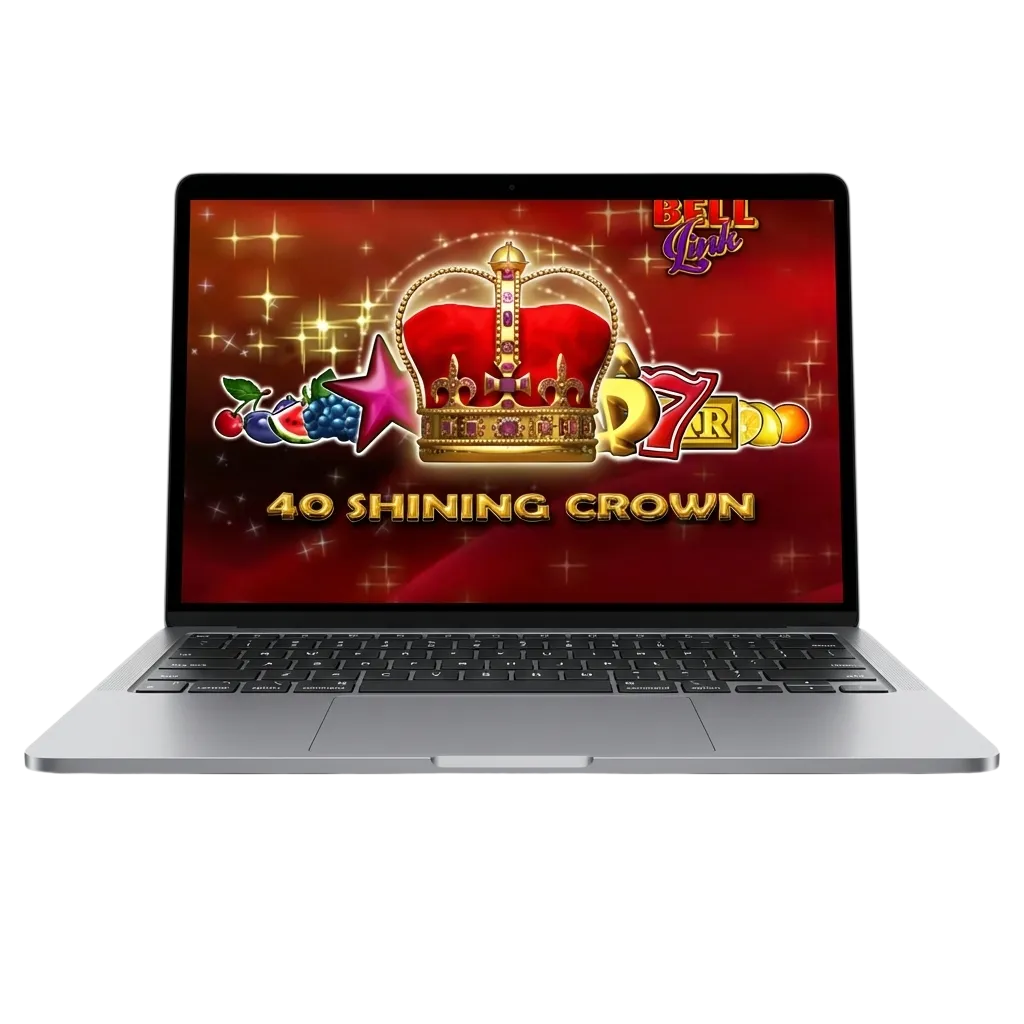
This game stands out on Pinco for its Bell Link feature, which can upgrade symbols and trigger hold-and-spin rounds where every bell locks in place. Canadian players appreciate the balance between frequent base wins and the potential for bigger multipliers during the link bonus. EGT Digital built this title to reward patience, making it ideal for medium-stake sessions that stretch bankrolls further than high-volatility alternatives.
| Feature | Details |
|---|---|
| Game Developer | EGT Digital |
| Release Year | 2023 |
| Type of Game | Video slot (Bell Link series) |
| Demo Version | Available |
| Supported OS | Windows, macOS, Android, iOS |
| Languages | English, French, Spanish, Portuguese, Turkish |
| Welcome Bonus | 120% bonus up to C$7,500 + 250FS for casino games. 160% bonus up to C$7,500 for sports betting |
| RTP | 96.5% |
| Min. Bet | C$0.40 |
| Max. Bet | C$80 |
| Payment Methods in Canada | Interac, gigadat, VISA / Mastercard |
If you are choosing where to play 40 Shining Crown Bell Link online, consider these advantages. Pinco gives you practical features that improve every session.
Instant help in English or French when you need it
Track your session balance and time in real-time
Start at C$0.40 or scale up to C$80 per spin
Know exactly how the game is programmed to perform
Switch between desktop, mobile browser, and app without losing progress
40 Shining Crown Bell Link is a five-reel, 40-payline slot where you win by landing three or more matching symbols on adjacent reels from left to right. The crown symbol acts as a scatter and can award instant prizes or trigger the Bell Link feature when six or more bells appear. During the link round, reels spin and only bells or blanks land; each bell locks in place and resets the spin counter to three. When you fill the entire grid or exhaust your spins, all bell values are summed and paid out. Bet limits range from C$0.40 to C$80, and you can adjust your stake before every spin.

Getting started takes less than two minutes. Follow these steps to launch 40 Shining Crown Bell Link on Pinco.
Tap the button below, enter your email, create a password, and confirm your age and province.
Choose Interac or another payment method and transfer at least C$10 to qualify for the welcome bonus.
Upload a photo ID and proof of address through the account settings panel to unlock withdrawals.
Search for “40 Shining Crown Bell Link” in the slots library and click to open the game in your browser or app.
Pinco lets you test 40 Shining Crown Bell Link in demo mode before you deposit. You receive virtual credits and can explore the paytable, trigger the Bell Link feature, and see how the hold-and-spin round works. The demo uses the same RTP and volatility as real-money play, so the frequency of wins and bonus rounds matches what you will experience after funding your account.

Pinco offers a 120% match bonus up to C$7,500 plus 250 free spins for new casino players in Canada who register and deposit. To qualify, make a minimum deposit of C$10 and opt in during the deposit step. The bonus carries a 35× wagering requirement, which means you must bet 35 times the combined deposit and bonus amount before withdrawing. Slots contribute 100% toward wagering, and the free spins are credited in batches over five days.

Players can unlock additional free spins or bonus funds by entering an exclusive promo code during registration or at the cashier. The current Pinco promo code is CROWN250. Paste it into the promo code field when you make your first deposit to boost your welcome package and extend your play on 40 Shining Crown Bell Link.

Canadian players can spin 40 Shining Crown Bell Link on smartphones using the Pinco app or mobile browser. Both options deliver the same game features, bet range, and RTP as the desktop version. The app adds one-tap login, offline account management, and push notifications for bonus drops.
| Platform | OS Version | Storage | RAM |
|---|---|---|---|
| Android | 5.0+ | 120 MB | 2 GB |
| iOS | 12.0+ | 130 MB | 2 GB |
Installing the Pinco app for Android takes about 30 seconds. Follow these steps to get 40 Shining Crown Bell Link on your device.
Scroll to the footer of this page and tap the Android download link to fetch the .apk file.
Open your Downloads folder and tap the Pinco .apk file to start installation.
If prompted, go to Settings > Security > Unknown Sources and toggle the permission on.
Tap Install, wait for the progress bar to finish, then open the app and log in or register.
iOS users can add a Pinco shortcut to their home screen, which behaves like a native app. Follow these steps to set it up.
Open Safari, type in the Pinco URL, and load the homepage.
Scroll down and tap the “Add to Home Screen” banner or icon in the footer.
Tap the Share icon at the bottom of Safari (the box with an arrow pointing up).
Choose “Add to Home Screen” from the menu and confirm.
The Pinco icon now appears on your home screen and opens in full-screen mode when tapped.
Set a budget before you start and stop when you reach it, even if you are on a winning streak. Test 40 Shining Crown Bell Link in demo mode to understand paytable values, bonus frequency, and volatility before risking real money. Use deposit limits, session timers, and loss caps in your account settings to maintain control.
Warning: Gambling involves risk and can lead to financial harm. If play stops feeling like entertainment and begins to cause stress, debt, or conflict, stop immediately and contact a mental health professional or a local support service such as ConnexOntario or Gambling Help BC.

Improve your results by applying these evidence-based tactics during play.
Map out how often the Bell Link feature triggers and calculate average payout before switching to real money
Divide your deposit into 50–100 base bets so you have enough spins to catch at least one bonus round
Compare bell totals to your stake and adjust bet size if payouts consistently fall below 20× your wager
Pinco supports Interac, gigadat, and major credit cards for deposits and withdrawals in Canada. Interac e-Transfers process instantly for deposits and clear in under 24 hours for withdrawals. Credit card deposits post immediately, while withdrawals may take two to four business days depending on your issuing bank. Gigadat offers an alternative for players who prefer crypto-backed transactions without managing wallets.
| Payment Method | Min–Max Deposit | Min–Max Withdrawal | Processing Time |
|---|---|---|---|
| Interac | C$10–C$5,000 | C$20–C$10,000 | Instant / 24 hours |
| Gigadat | C$10–C$3,000 | C$30–C$7,500 | Instant / 48 hours |
| VISA / Mastercard | C$10–C$5,000 | C$50–C$10,000 | Instant / 2–4 days |
Yes. The game runs in mobile browsers and the Pinco app on Android and iOS devices. All features, bet limits, and RTP remain identical to the desktop version.
You need to deposit at least C$10 and opt in during the cashier step to receive the 120% match bonus and 250 free spins.
Land six or more bell symbols anywhere on the reels during a base spin. The hold-and-spin round starts immediately and continues until you run out of spins or fill the grid.
The paytable caps individual wins at 2,000× your total bet. Pinco does not apply additional withdrawal limits beyond standard account verification rules.
Yes. Interac e-Transfers work in both directions. Deposits post instantly, and withdrawals clear within 24 hours after approval.
Updated: