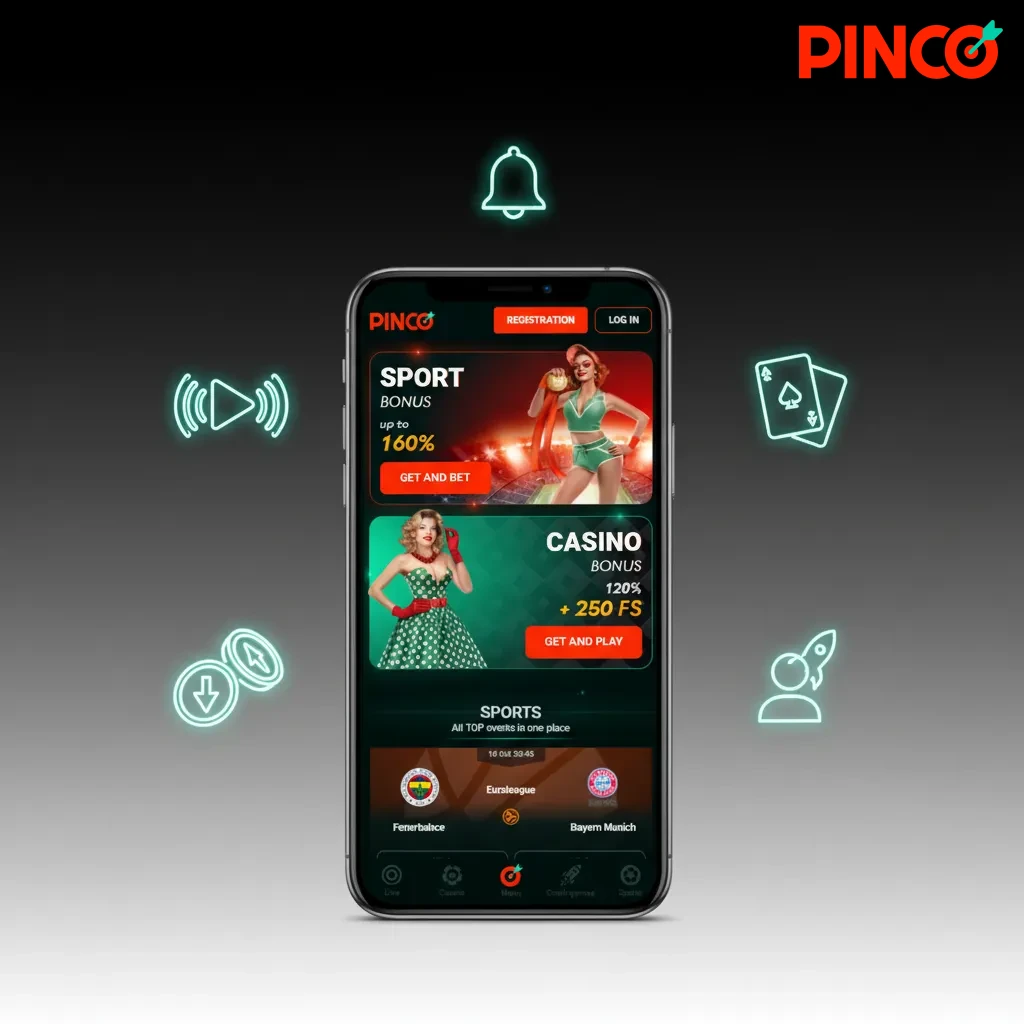
Click the Download for Android Button
Open the site, tap Download for Android. In Chrome, tap the prompt Add Pinco to Home Screen.
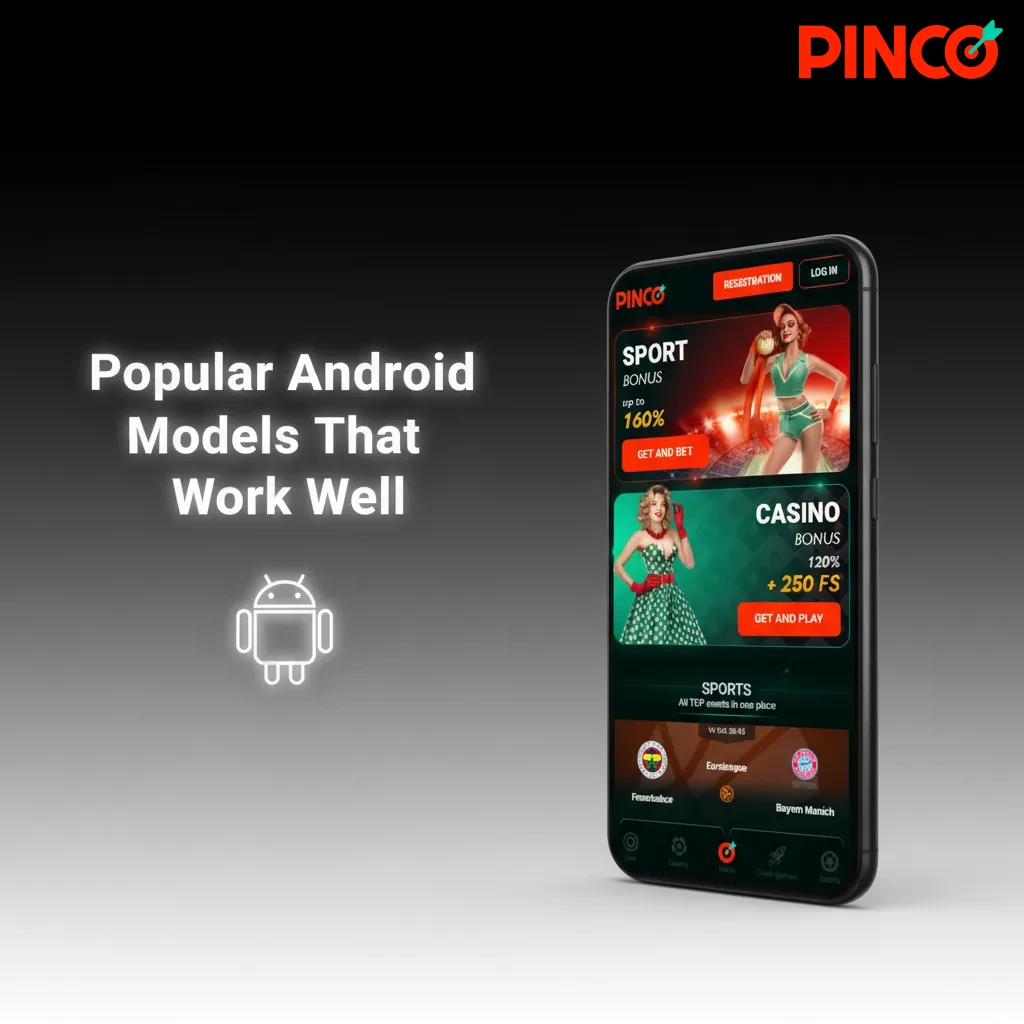
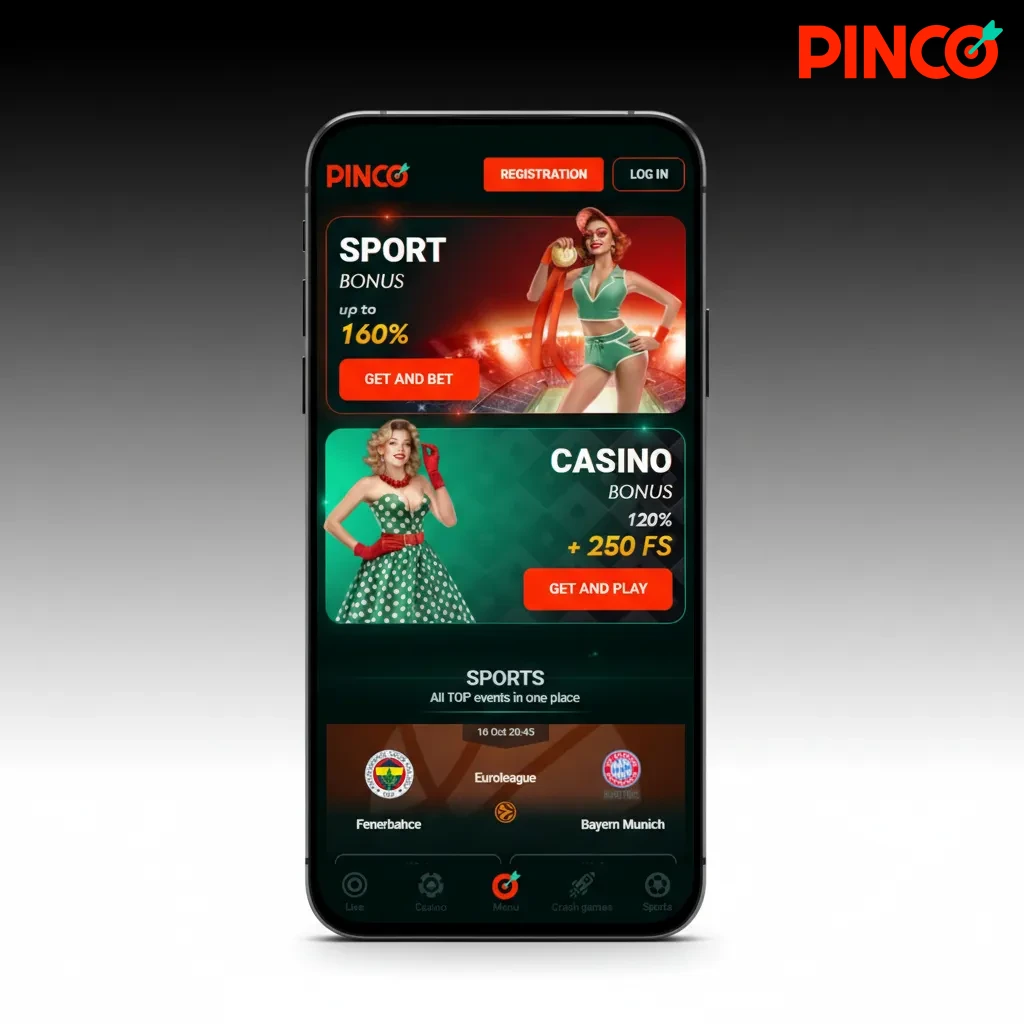
The native app is in development. There is no APK yet. You can install the Pinco PWA to your home screen on Android and iOS in seconds. Start playing right away and claim up to C$7,500 + 250 free spins after signup.
Add Pinco to your phone now to bet, play, and cash out in CAD.
You get a fast web app that installs to your home screen in one tap. No store download. No APK. The PWA keeps the interface smooth and updates automatically.
Below are the key details Canadian players ask about.
Install once and use the same account across mobile and desktop.
| App type | PWA (Add to Home Screen), Android & iOS |
| Approximate size | ~1–3 MB on device cache |
| Last updated | 20 Nov 2025 |
| Casino & sportsbook bonus | Up to C$7,500 + 250 free spins for new players |
| Supported languages | English (Canada), French (Canada) |
| Payment methods | Interac, Gigadat, VISA, Mastercard |
| Promo code field | Yes (optional) |
| Currency | CAD |
| KYC | Required before first withdrawal |
| Legal age | 18–19+, varies by province |
| Ontario access | Available only if listed by AGCO/iGO; check status before playing |
Installation takes moments and does not require an APK. Use Chrome for the best result.
Open the site, tap Download for Android. In Chrome, tap the prompt Add Pinco to Home Screen.
Create your account using email or mobile number. Set CAD as your currency.
Launch Pinco from your home screen icon. The PWA opens full-screen like an app and stays updated.
| Requirement | Minimum |
|---|---|
| Android OS version | 8.0 Oreo or higher |
| CPU frequency | 1.4 GHz or higher |
| Memory (RAM) | 2 GB or more |
Most modern Android phones meet these specs easily.
If your device is similar in age or newer, you should be good to go.
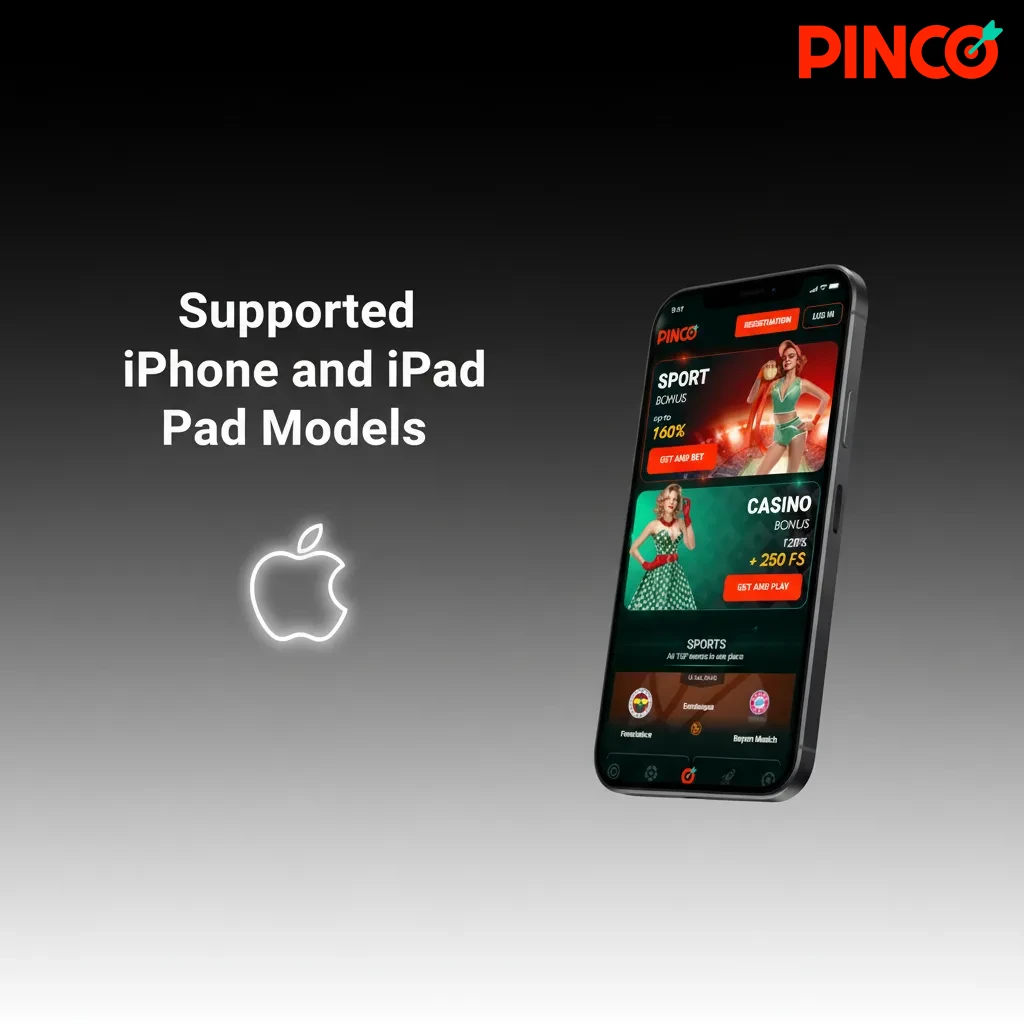
Use Safari for installation. The PWA sits on your home screen and runs like a native app.
Sign up, confirm your email or phone, and set your limits.
In Safari, tap the Share icon at the bottom of the screen.
Choose Add to Home Screen, confirm the name Pinco, then tap Add.
| Requirement | Minimum |
|---|---|
| iOS version | iOS 12.0 or higher |
| Processor frequency | 2.0 GHz class, A10 or newer |
| Memory (RAM) | 2 GB or more |
Any recent iPhone or iPad meets these requirements.
Newer models work the same or better for the PWA.
Claim your offer during signup to maximize value from your first sessions.
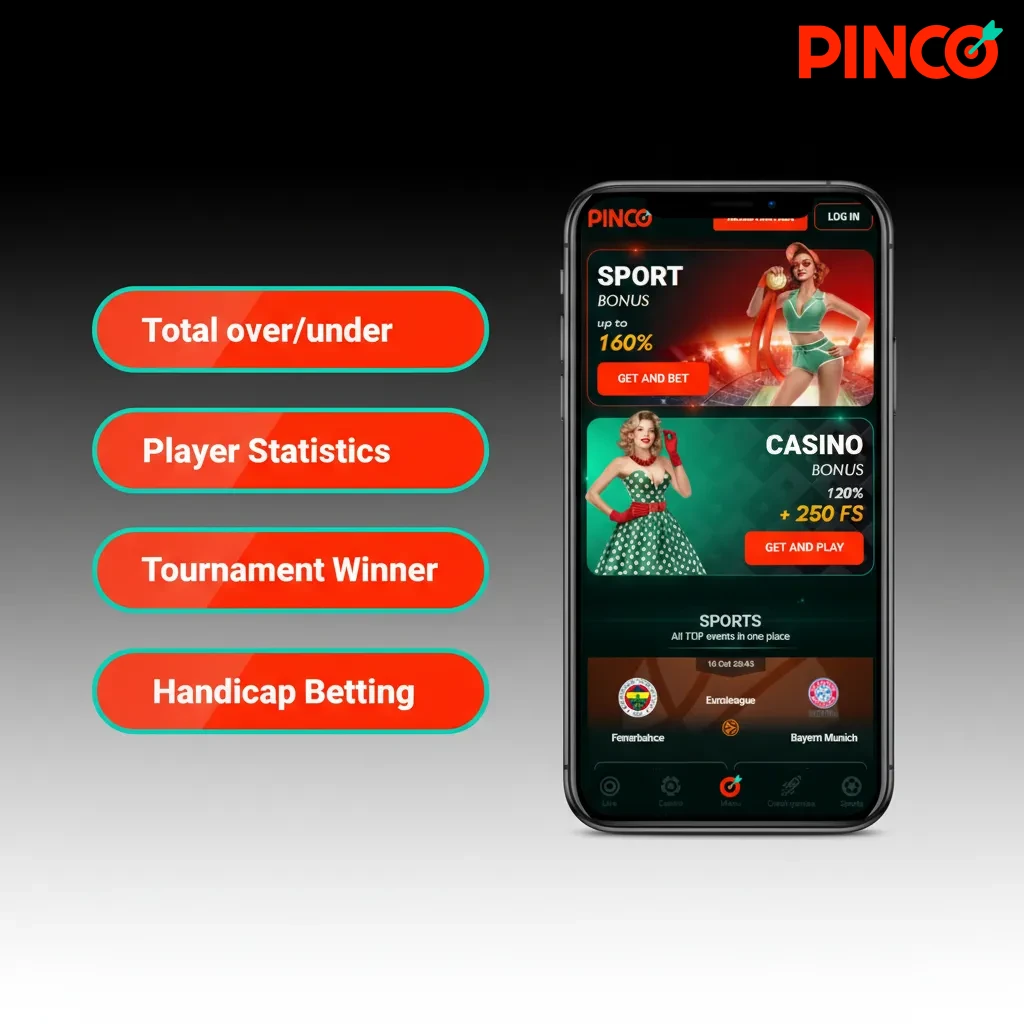
Pick pre-game or live markets in seconds. Odds update in real time.
You can filter by league, odds range, and start time to find your picks fast.
You can mix markets and manage risk using singles or parlays on one bet slip.
You can place a bet in under a minute once you are signed in and funded.
Your open bets appear under My Bets for quick tracking and cashout options when available.
Load top studios and fast categories built for mobile. Games open in full-screen and remember your last picks.
Search by provider such as Pragmatic Play, Play’n GO, and Evolution to find favourites quickly.
Sign up takes under two minutes and only basic details are needed.
You may be asked for ID later to complete KYC before your first withdrawal.
Access your account quickly from the home screen icon.
Use the Remember me option on your personal device only.
You do not need to download updates. The PWA refreshes features, odds, and lobbies automatically in your browser. Every time you open the icon, you get the latest version.
If you ever need a fresh install, remove the icon and add it again in a few taps.
You can fund your account in CAD and cash out using trusted Canadian methods. Minimum deposit is C$20. Minimum withdrawal is C$20. Maximum deposit per transaction is C$5,000. Maximum withdrawal per transaction is C$10,000.
Processing times depend on KYC status and your bank’s schedule.
Funding your account takes a few taps and credits near-instantly for most methods.
Your balance updates once the payment is approved by your provider.
Withdrawals are processed after standard verification checks. Interac payouts often reach you faster once KYC is complete.
Expect processing within 0–24 hours after approval, then bank timing applies.
The PWA gives fast access to betting and casino without extra downloads. Everything runs in CAD and is built for quick decisions.
Install to your home screen and get straight to the action.
You can reach support from any page via the chat icon.
Find more answers in the Help Centre inside the app.
You can play if online gaming is permitted in your province and you meet the legal age. In Ontario, you should only play if the operator is registered by AGCO/iGO. Check the site footer for current licensing and market availability.
No. The official option is the PWA. Add it to your home screen from Chrome and avoid third-party APK sites.
Requests are reviewed in 0–24 hours once KYC is complete. Interac and Gigadat often reach you faster, while card payouts can take longer due to bank timing.
Tap Log In, choose Forgot password, then follow the email or SMS link to set a new one.
No. One account per person is allowed. Duplicate accounts can lead to closure and loss of bonuses.
Updated: