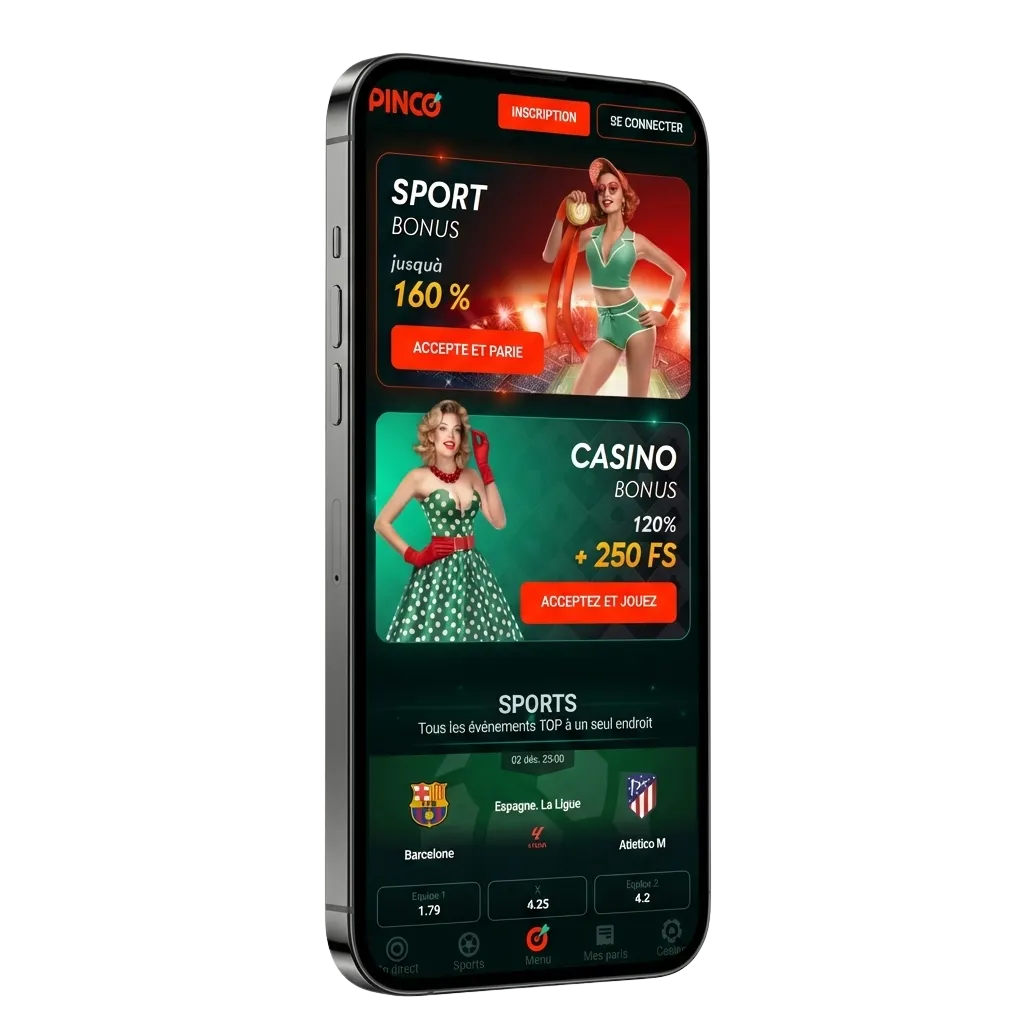
Get the Pinco iOS App in Canada
Play real-money casino and sports on iPhone and iPad. Install in under a minute from this page. New Pinco players get C$7,500 + 250 free spins. Tap download to start where online gaming is allowed in your province.
You must be of legal age in your province (19+, or 18 in Alberta).
New players get
C$7,500 + 250 free spins
Pinco App at a Glance for iPhone
You get a fast mobile app built for betting and casino in Canada. Payments run in CAD, including Interac. See the key facts below.
You can install fast and play using local payment options.
| App size | iOS web app (PWA) shortcut ~1–5 MB, no heavy install |
| Last update | 2025-10-01 (auto-updating) |
| Available bonuses | Casino: up to C$7,500 + 250 FS. Sportsbook: free bet offers and odds boosts for new users |
| Supported languages | English (Canada), French (Canada) |
| Payment methods | Interac e-Transfer, Visa, Mastercard, iDebit, InstaDebit, Payz, MuchBetter, Skrill, Neteller, Paysafecard, Bank Transfer |
| Promo code | Optional field; most welcome offers apply automatically |
Install Pinco on Your iPhone
Setup takes under a minute. Follow these steps to add the app to your Home Screen.
You can now bet, deposit, and withdraw in a few taps.
Open in Safari if Prompted
Use Safari on iOS for the best install experience.
Add Pinco to Home Screen
Tap the Share icon and choose Add to Home Screen to create the app icon.
Launch and Sign In
Open Pinco from your Home Screen, log in, or create a new account.
iOS App Requirements
Minimum specs
| Requirement | Minimum |
|---|---|
| iOS version | iOS 12.0 or later |
| Processor | 1.4 GHz or higher (A10 Fusion or newer recommended) |
| Memory | 2 GB RAM or more |
Most devices from iPhone 8 and newer meet these specs.
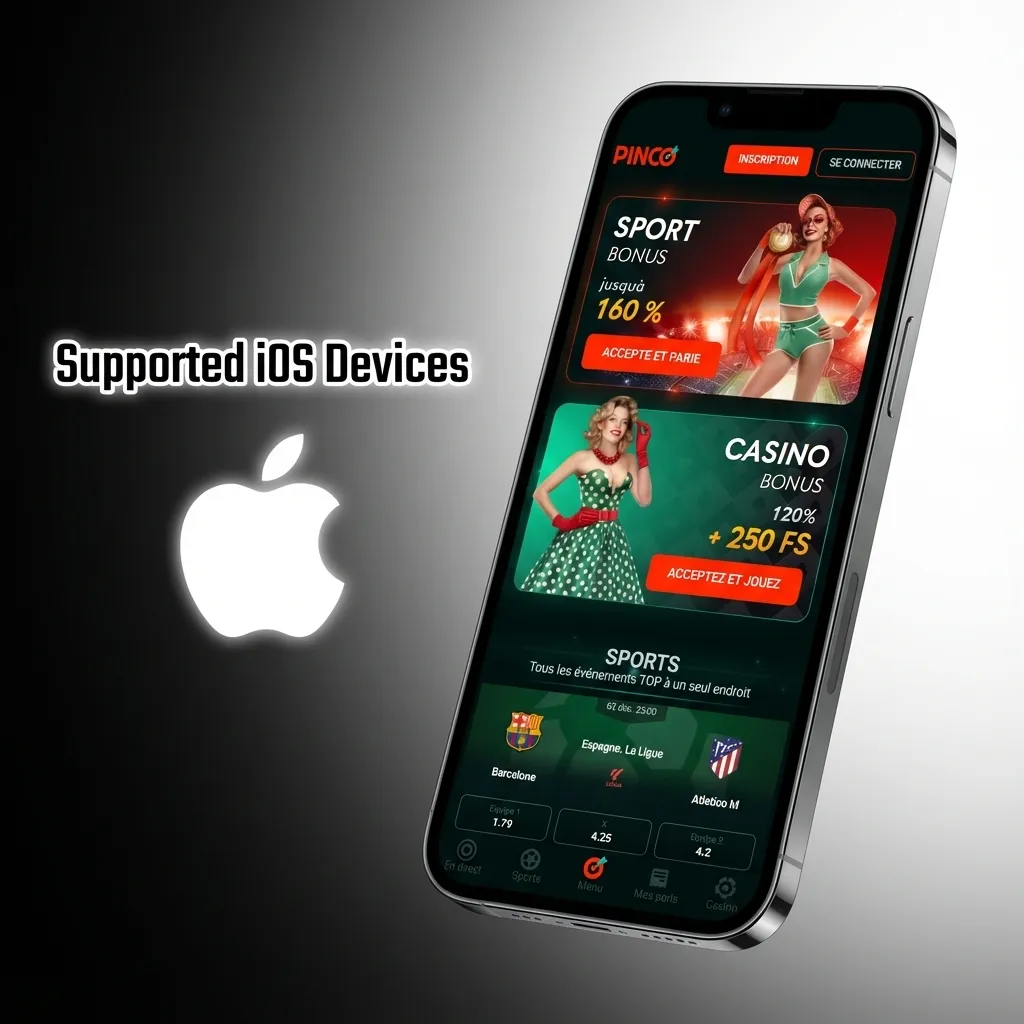
Apple Devices That Work Best
- iPhone 8 / 8 Plus
- iPhone X / XR / XS
- iPhone 11 / 11 Pro
- iPhone 12 / 12 Pro
- iPhone 13 / 13 Pro
- iPhone 14 / 14 Pro
- iPhone 15 / 15 Pro
- iPhone SE (2nd or 3rd gen)
- iPad Air (3rd gen or newer)
- iPad Pro (2018 or newer)
- iPad mini (5th gen or newer)
- iPod touch (7th gen)
Newer iPhone and iPad models deliver faster loading and smoother play.
Use Pinco as a PWA on iOS
A PWA version is available for iPhone and iPad. It installs from Safari and updates itself automatically.
Your Home Screen icon opens the app in one tap, just like a native app.
Click the “Download for iOS” button below
Use the button to open the app’s install page.
Register an account
Create your profile so you can place bets and play casino games.
Tap “Share” button
Tap the Share icon at the bottom of Safari to access more options.
Tap “Add to Home Screen”
Name the shortcut Pinco, then add it. You will see the app icon on your Home Screen.
Bonuses Available After You Install
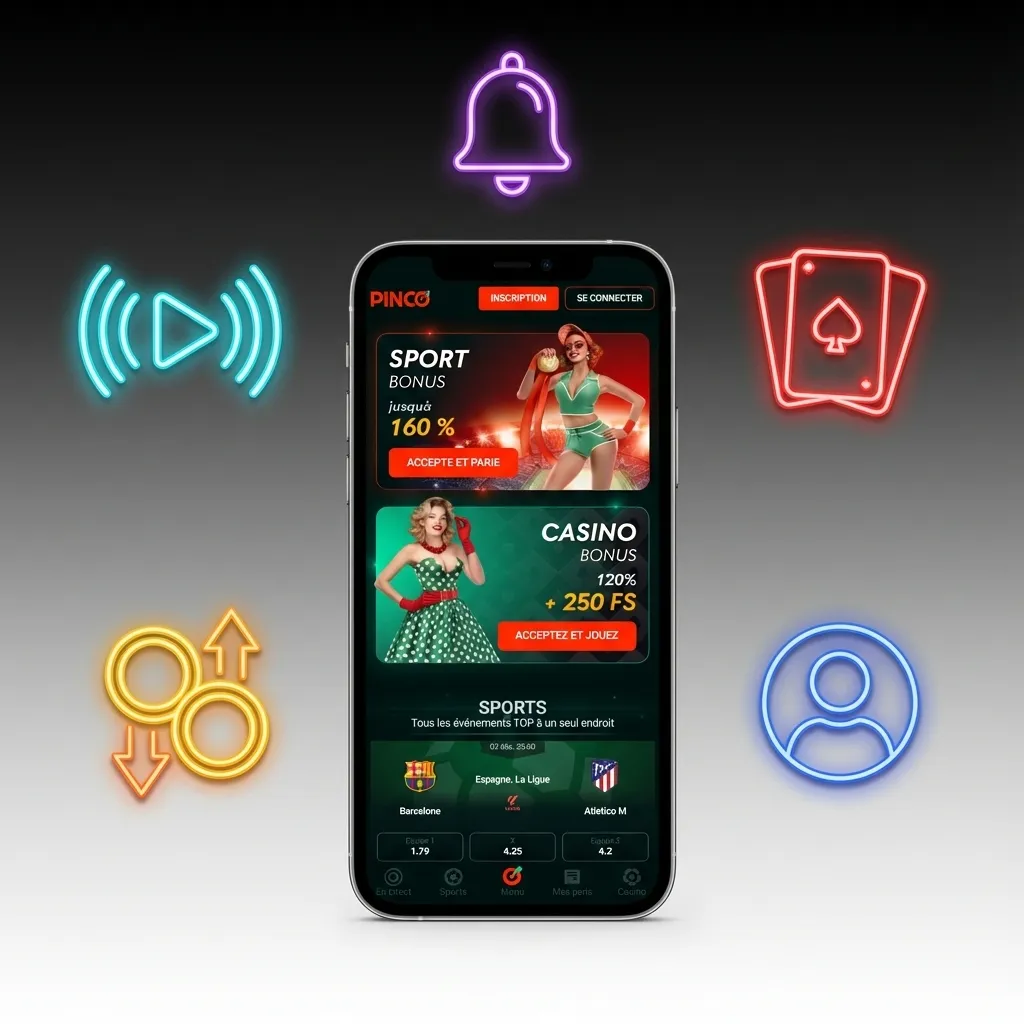
New players can claim up to C$7,500 + 250 free spins. The package covers casino and sportsbook. Choose what suits your play. T&Cs apply.
- Casino welcome package on first deposits in CAD
- 250 free spins on selected slots like Big Bass Bonanza (Pragmatic Play)
- Sportsbook first bet insurance or a matched free bet offer
- Odds boosts on NHL, NBA, NFL, and more
- Reload bonuses and recurring free spins promos
- Loyalty rewards for ongoing play
Check full bonus rules in the app before you claim.
Sports You Can Bet On in the App
The sportsbook covers Canada’s favourite leagues and global events. Pick markets pre-game or live.
- Hockey (NHL, CHL)
- Basketball (NBA, NCAA)
- Football (CFL, NFL)
- Baseball (MLB)
- Soccer (Premier League, MLS, UEFA)
- Tennis (ATP, WTA)
- MMA / UFC
- Boxing
- Golf (PGA Tour)
- Esports (CS2, LoL, Dota 2)
You can filter by league, time, and odds format to find your pick fast.
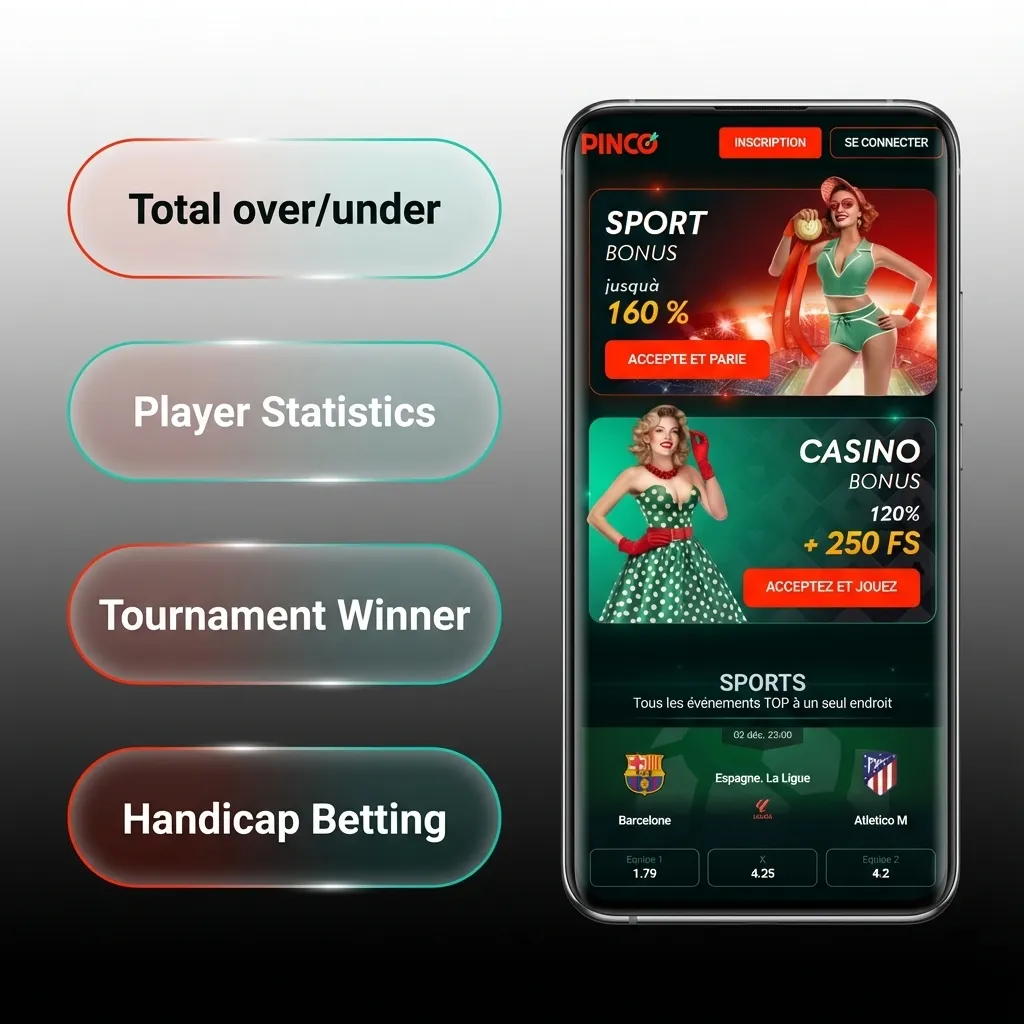
Bet Types Offered on Pinco iOS
- Single bet: one selection, paid if it wins.
- Parlay (accumulator): combine several picks for a higher payout; all must win.
- System bet: cover multiple combos so one loss can still return.
- Handicap (spread): bet on an adjusted line to balance favourites and underdogs.
- Totals (over/under): bet on points or goals crossing a set number.
- Player and team props: outcomes on specific players or events.
You can mix markets to match your risk and payout goals.
Place Your First Bet on Mobile
It takes a few taps to place a bet. Confirm location access when asked.
- Log in and choose Sports.
- Pick a league and market.
- Tap the odds to add a selection to your bet slip.
- Enter your stake in CAD and review potential returns.
- Confirm your bet.
You can track open and settled bets in My Bets.
Casino Titles in the iOS App
Play top slots and live dealer tables from trusted providers. Search or filter by game type.
- Book of Dead (Play’n GO)
- Big Bass Bonanza (Pragmatic Play)
- Sweet Bonanza (Pragmatic Play)
- Gates of Olympus (Pragmatic Play)
- Wolf Gold (Pragmatic Play)
- Mega Moolah (Games Global) – progressive jackpots
- Live Roulette (Evolution)
- Blackjack (Evolution)
- Baccarat (Evolution)
- Crazy Time (Evolution)
You can try low stakes first, then raise your bet once you feel ready.
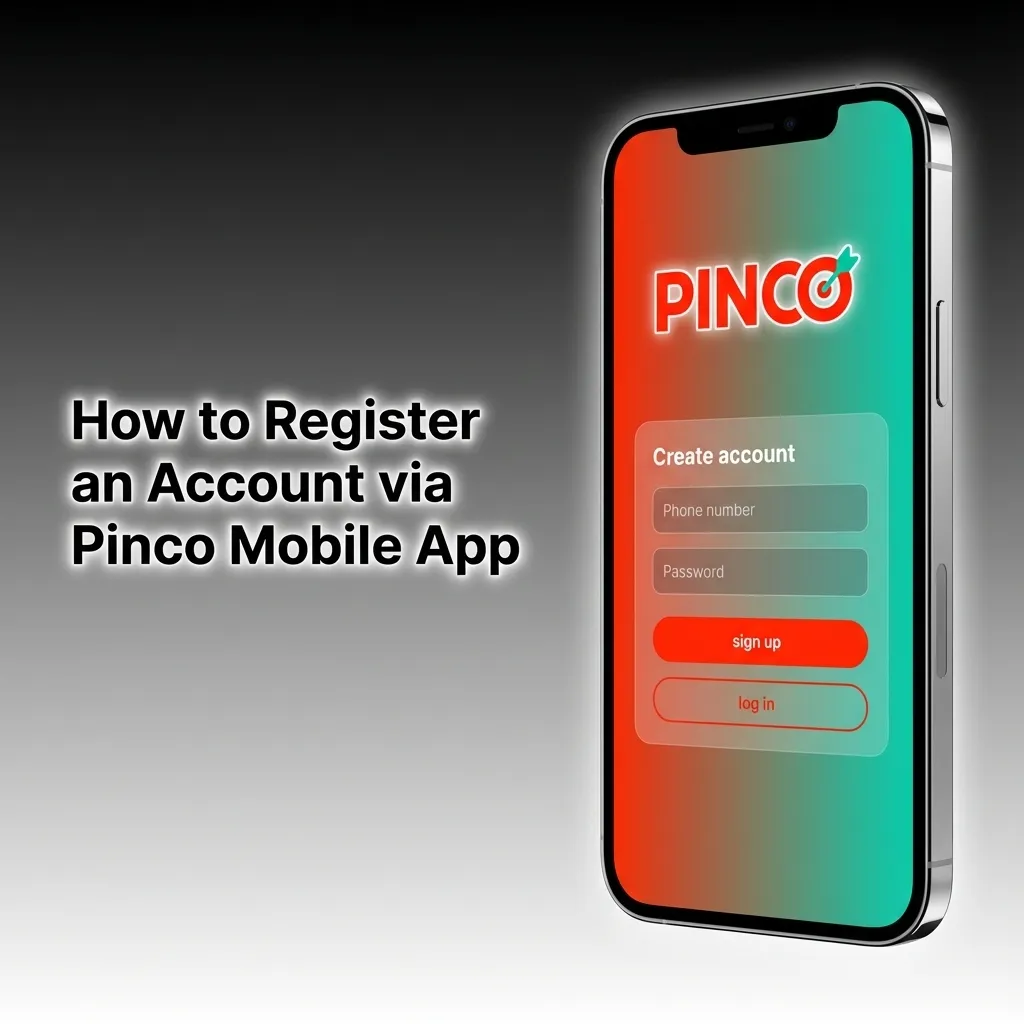
Create Your Pinco Account on iPhone
Registration takes a minute. Keep your ID handy for verification when asked.
- Open the app and tap Register.
- Enter email, mobile number, and a password.
- Select Canada (CAD) and your province.
- Confirm legal age and accept the Terms.
- Verify by SMS or email code.
You can deposit after verification and start playing right away.
Sign In to the App
Returning users can log in in seconds.
- Tap Log In on the home screen.
- Enter your email and password.
- Enable Face ID or Touch ID for quicker access next time (optional).
- Tap Sign In.
You can reset your password in the app if needed.
App Updates on iOS
Manual updates are not required. The Pinco iOS app runs as a web-based app and refreshes features automatically. You always see the latest lines, games, and promos when you open it.
You save storage space and stay current without extra steps.
Payments in CAD for iOS Users
Minimum deposit is typically C$10. Minimum withdrawal is usually C$20. Payout limits vary by method, often up to C$5,000 per transaction. Deposits are instant. Withdrawals can take 0–24 hours for e-wallets and Interac after approval, and 1–3 business days for cards or bank transfer.
- Interac e-Transfer
- Visa
- Mastercard
- iDebit
- InstaDebit
- Payz (ecoPayz)
- MuchBetter
- Skrill
- Neteller
- Paysafecard
- Bank transfer
You can set CAD as your account currency and avoid extra conversion fees.
Add Funds in the App
Deposits post right away so you can bet or play instantly.
- Open Cashier and choose Deposit.
- Select a payment method and amount.
- Enter details and confirm in your banking app if needed.
- Return to Pinco to see your updated balance.
You can claim a bonus during deposit if an offer is available.
Cash Out Winnings on Mobile
Withdrawals are simple once your account is verified.
- Go to Cashier and select Withdraw.
- Pick a payout method that matches a prior deposit where possible.
- Enter the amount and submit your request.
- Complete KYC if asked, then track status in the Transactions section.
You can speed up future payouts by completing verification early.
What Stands Out in the Pinco iOS App
Pinco is built for mobile-first play in Canada. Expect fast access and local payment options.
- CAD accounts and Interac support
- Localized odds formats and markets for Canada
- Welcome bonuses for casino and sportsbook
- Quick deposits and fast withdrawals after approval
- In-play betting and early cash-out when available
- Top slots and live casino from leading providers
- Face ID / Touch ID login
- 24/7 live chat support
- Auto updates, no large downloads
You get a single app for betting, casino, banking, and support.
Help When You Need It
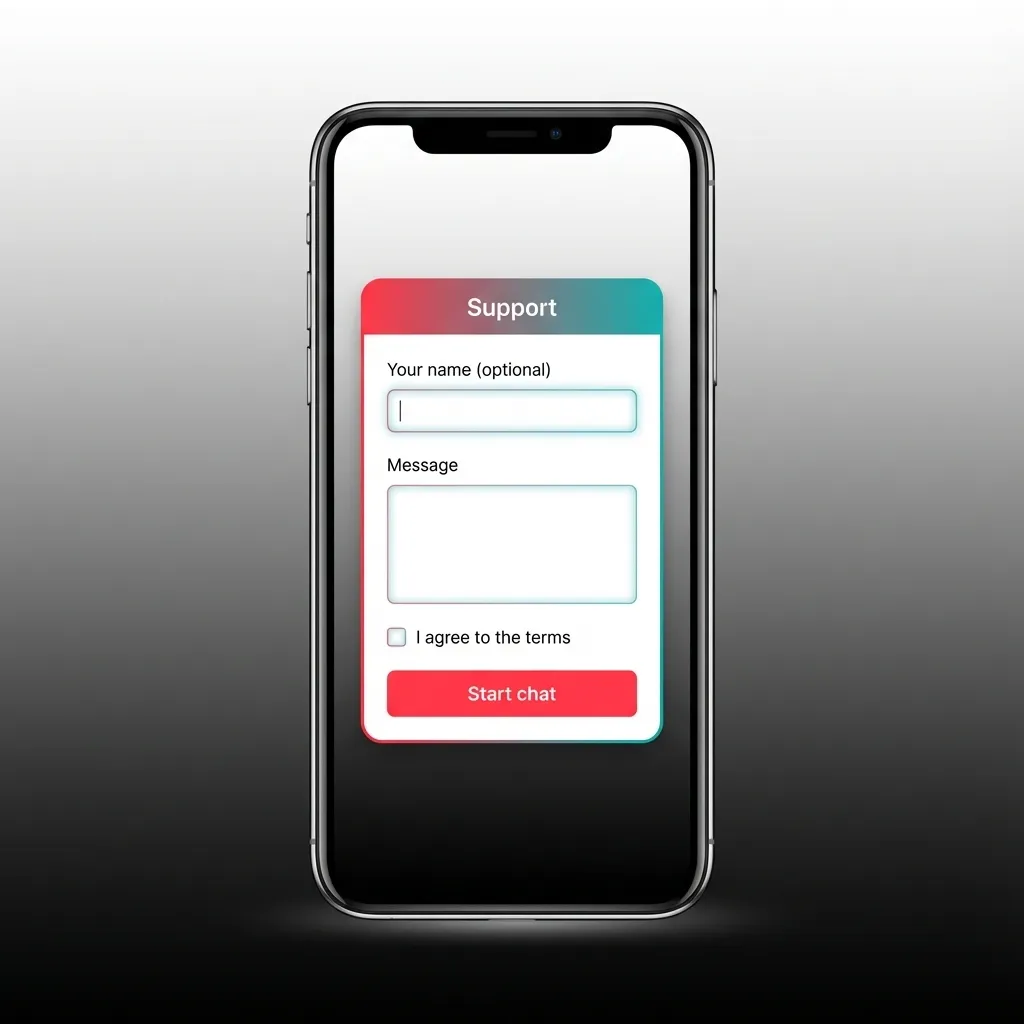
Support is available around the clock in English and French. Get help on payments, verification, or gameplay.
- Live chat: 24/7 in-app
- Email ticket: submit through the app’s Help section
- Help centre: guides on deposits, withdrawals, and account checks
- Responsible gambling tools: deposit limits, reality checks, self-exclusion
You can reach support anytime from the footer or profile menu.
FAQ
You can find more answers in the in-app Help centre.
Is the Pinco app legal in Canada?
Pinco serves Canadian players in provinces that permit online gaming. You must be of legal age in your province and enable location services.
Do I need a promo code to get the welcome bonus?
No code is required for the standard welcome offer. A promo field may appear for special campaigns.
Can I use the app on iPad?
Yes. Install from Safari and add it to your Home Screen. The layout adapts to iPad screens.
Are odds and games the same as on desktop?
Yes. You see the same odds, markets, and casino catalogue, optimised for touch.
Can I enable Face ID for faster login?
Yes. After your first login, turn on Face ID or Touch ID in Settings for quicker access.
Updated: