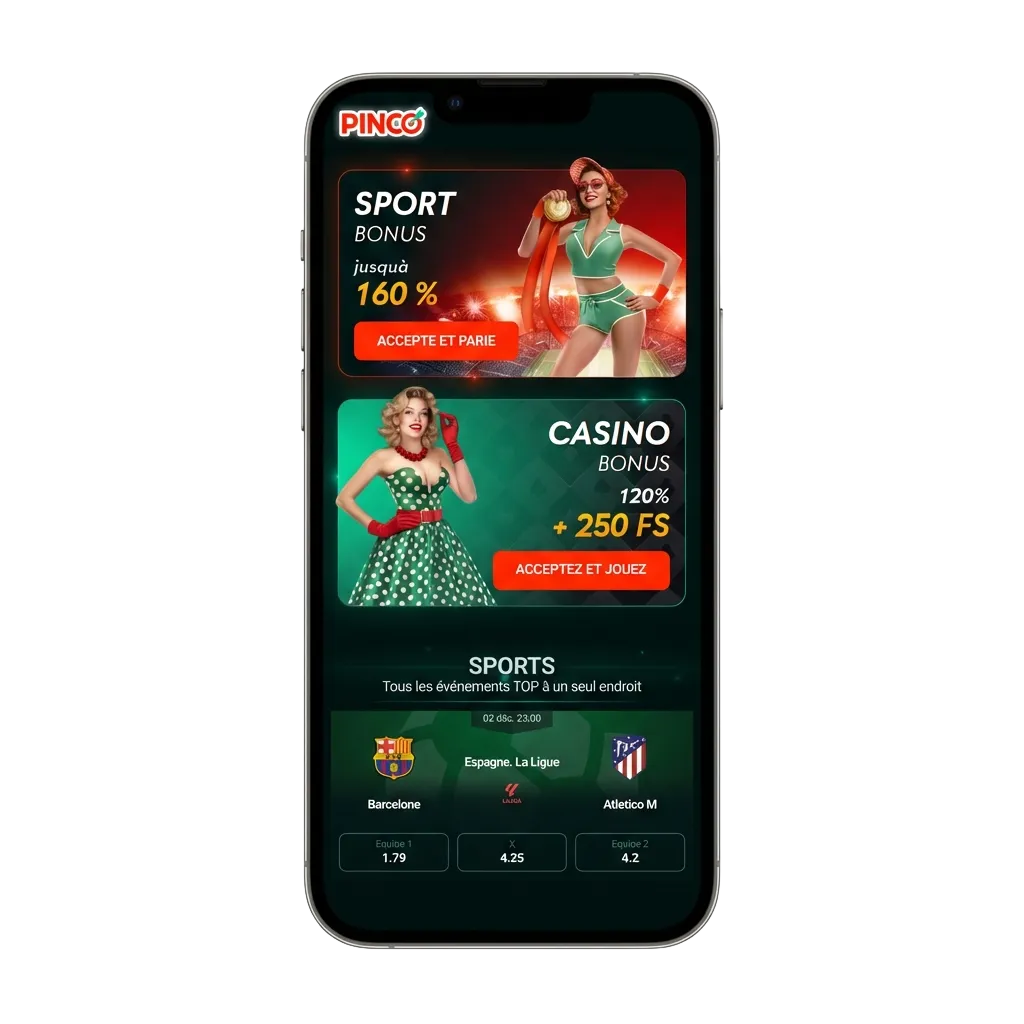
Download the Official Pinco App in Canada

Download the official Pinco app for Android and iOS. The APK is legal to download in Canada and supports multiple languages, including English and French. You get full sportsbook and casino features, plus Interac, Gigadat, and VISA/Mastercard payments.

New Pinco users get 100% up to C$7,500 across the first five deposits, plus 250 free spins. Minimum deposit to claim is C$20.

100% up to C$7,500

250 free spins

Download Pinco app in Canada: Android & iOS badges, sportsbook/casino, Interac/VISA logos, C$7,500 bonus offer.

Main Information About the Pinco Mobile App

The official Pinco application runs on Android and iOS. You get the same betting and casino tools you use on the site, adapted for mobile.

Use this app if you prefer faster access and mobile-first controls.

Developer Pinco
Supported operating systems Android 7.0+; iOS 12+
Cost Free
Category Sportsbook & Casino
Countries available Canada
Languages supported English, French (Canada)
Currencies supported CAD
Available in Canada Yes

Download the Pinco APK on Android in Four Steps

Downloading the Pinco APK on Android is quick, safe, and free. Follow four short steps to install the latest version on your phone and start betting or playing.

Tap the button when you are ready to begin.

Download Android App

Step 1: Start Your Pinco APK Download

Download Pinco APK

Tap the download button on this page to get the APK file.

This begins the official Pinco APK download.

Step 2: Confirm the File Download

Agree to Download in the Pop-Up

Accept the prompt so your browser can save the APK.

This confirms the Pinco APK download.

Step 3: Allow Installation Permissions

Allow Installation from Unknown Sources

Open Settings and enable installs from unknown sources for the browser you used, then return to your downloads.

This allows Android to install the app.

Step 4: Finish Installing the App

Confirm the Installation

Open your Downloads, find the APK file, and tap it to install the application.

You can launch the Pinco Android app once complete.

Pinco Android App Overview

The Pinco Android app is free to download and built for mobile betting and casino play on the go. Follow the steps above to install in minutes.

You can deposit, bet, and withdraw in the same place.

Download Android App
Pinco Android app overview screen for mobile betting and casino, with deposit, bet, and withdraw options.

Minimum System Requirements for Android

Make sure your Android device meets the minimum requirements before you install.

Requirement Minimum
Android version 7.0 (Nougat) or higher
RAM 2 GB+
Free storage 150 MB
Processor 1.4 GHz quad‑core or better
Internet 3G/4G/LTE or Wi‑Fi

Meeting these specs ensures smooth performance.

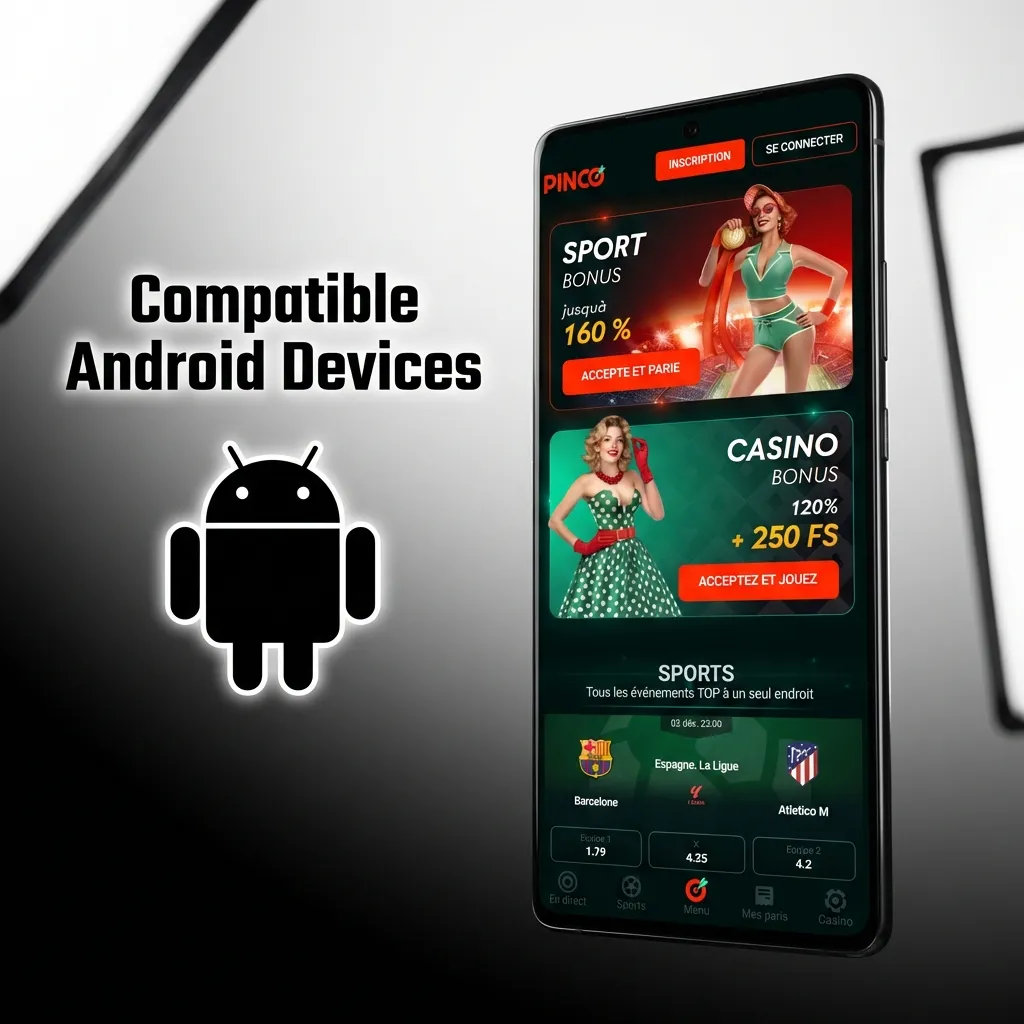
Compatible Android Devices in Canada

The app runs smoothly on many popular Android models across Canada.

  • Samsung Galaxy S21 / S22 / S23
  • Samsung Galaxy A53 5G
  • Samsung Galaxy Note 20
  • Google Pixel 6 / 7 / 7a / 8
  • Google Pixel 5a
  • OnePlus 10 Pro / 11
  • Motorola Moto G Power (2023)
  • TCL 20 Pro 5G
  • Sony Xperia 5 IV
  • Xiaomi Redmi Note 11 Pro

If your device matches the requirements, you can install the app.

Supported Android phones in Canada: Samsung Galaxy S21–S23, A53 5G, Note 20; Google Pixel 6–8; OnePlus 10 Pro/11; more.

Download the Pinco iOS App in Five Steps

Getting the Pinco ios app on iPhone or iPad is straightforward. Follow these five steps.

1

Tap the Button Below

Start from this page. Tap the button to begin the Pinco app download on iOS.

Download iOS App
2

Follow the On‑Screen Prompt

Your device will open the correct page. Continue in Safari if asked.

3

Confirm Installation

Proceed to the App Store or approved profile and confirm install.

4

Wait for the Download to Finish

Stay on Wi‑Fi until the app completes installation.

5

Open the App and Sign In

Launch the Pinco official app, sign in, or create an account.

Pinco iOS App Highlights

The Pinco app for iPhone and iPad is free and light on resources. It mirrors the full website, including betting, casino, cashier, and support. Minimum iOS version is 12.0. Plan for about 150 MB of free storage.

You can install fast and start playing right away.

Download iOS App
Pinco iOS app highlights: free, lightweight iPhone/iPad app with betting, casino, cashier, support; iOS 12+, ~150MB.

Minimum System Requirements for iOS

Check your iPhone or iPad meets these requirements before installing the application.

Requirement Minimum
iOS version 12.0 or higher
RAM 2 GB+
Free storage 150 MB
Processor Apple A9 or newer

Meeting these helps the app run at peak speed.

Compatible iPhone and iPad Models

The app works smoothly on recent iOS generations and many older models.

  • iPhone X, XR, XS
  • iPhone 11 / 11 Pro / 11 Pro Max
  • iPhone 12 / 12 mini / 12 Pro / 12 Pro Max
  • iPhone 13 / 13 mini / 13 Pro / 13 Pro Max
  • iPhone 14 / 14 Plus / 14 Pro / 14 Pro Max
  • iPhone 15 / 15 Plus / 15 Pro / 15 Pro Max

If your device runs iOS 12+, you can install the app.

App supports iPhone X–15 (mini, Pro, Pro Max) and many older models; requires iOS 12+.

Old vs New APK: What Improved

The table shows how the latest Pinco APK compares to earlier builds.

New Version Old Version
Faster launch and page loads Slower loading times
Biometric login support Password only
Live match centre upgrades Basic in‑play data
Push alerts for results and promos Limited notifications
Lower data usage on mobile networks Higher data consumption
Stability and crash fixes Minor bugs reported

Update to the latest Pinco APK android download for the best experience.

How to Register in the Pinco App

Signing up in the mobile app is quick and available to players 18+ in Canada.

Once done, you can deposit and start playing right away.

2

Tap Registration and pick a method.

3

Enter personal details, country, and preferred currency (CAD).

4

Confirm your email or phone if prompted.

5

Complete registration.

Keep Your Pinco App Updated

Staying updated ensures top performance and security.

Updates add features, security improvements, and bug fixes.

1

iOS

  1. Open the App Store.
  2. Search Pinco.
  3. Tap Update.
  4. Reopen the app.
2

Android

  1. Return to this site.
  2. Download the latest APK.
  3. Allow install over the current app.
  4. Tap Install.
  5. Launch the app.

Welcome Offers Inside the Pinco App

New players can choose a welcome bonus in the mobile app. Pick Sports or Casino during registration and make the required deposit.

  • Casino: 100% up to C$7,500 across five deposits, plus 250 free spins. Minimum deposit C$20.
  • Sports: 100% up to C$500 on the first deposit. Minimum deposit C$20.

Select your bonus when signing up, deposit in CAD, and the offer is applied automatically.

Get a bonus
Pinco app offers: choose Sports 100% up to C$500 or Casino 100% up to C$7,500 + 250 spins; C$20 min deposit at signup.

Start Betting in the App in Minutes

Follow these steps to place your first bet.

You stay in control at every step.

1

Log in and confirm your balance.

2

Pick a sport or league.

3

Choose a market and tap the odds.

4

Enter your stake in the betslip.

5

Review and confirm the bet.

6

Wait for the event to settle, then withdraw winnings or continue playing.

Pinco Mobile Website Option

You can use a mobile‑optimised website on any smartphone or tablet. The site mirrors app features, including betting, casino, cashier, and support. No download is required, and you can switch between sports and casino in one tap.

It is a good option if you prefer browser access.

Smartphone showing Pinco mobile website with app-like betting, casino, cashier, and support; no download needed.

Mobile App vs Mobile Website

The mobile website covers nearly everything the app offers, but many players prefer the dedicated application for speed and control.

Application Site
Faster loads and smoother scrolling Dependent on browser performance
Persistent login and Face/Touch ID Frequent re‑logins in browser
Push notifications for scores and promos No native push alerts
Biometric security and quick limits Limited device‑level controls
One‑tap access from home screen Requires opening a browser tab

The mobile app stands out for convenience, speed, stability, and user‑friendly design. You get quicker bets and faster cashier access.

Sports Covered in the Pinco Betting App

You can bet in LIVE and LINE modes and use Single, System, or Accumulator bets. Every official sport and major eSport is available. Each page shows team stats, form, and head‑to‑head data. Live streams and trackers help you decide in real time.

  • Hockey (NHL and more)
  • Soccer (Premier League, MLS, UCL)
  • Basketball (NBA, NCAA)
  • Baseball (MLB)
  • American Football (NFL, CFL)
  • Tennis (ATP/WTA)
  • MMA/UFC
  • eSports (CS2, Dota 2, LoL)
  • Golf and Rugby

You get broad coverage across Canadian favourites and global events.

Pinco betting app with live and pre‑match bets, stats, streams, icons for NHL, soccer, NBA, MLB, NFL, tennis, golf, esports

Pinco Casino App Features

Popular live tables and top slots appear on the home screen for quick access. You can switch from sports to casino in a tap. Choose table games and thousands of slots from providers such as Pragmatic Play, Play’n GO, NetEnt, and Games Global. Live casino by Evolution features roulette, blackjack, baccarat, and game shows.

Check the casino promotions tab for extra value.

Pinco Casino app home with live tables, top slots, quick sports-to-casino switch, Evolution roulette, blackjack, baccarat.

Why Use the Pinco Mobile App

The app gives you practical advantages on phone and tablet.

Fast Bets and Cashier

Place bets in seconds and fund your account using Interac, Gigadat, or cards. Saved methods and smart betslip reduce taps and speed up each action.

Live Data and Alerts

Watch live odds move, view detailed stats, and get result notifications. You stay on top of markets without refreshing pages.

Biometric Login

Protect your account using Face ID or fingerprint, plus a passcode. You can log in faster and keep your details safe.

Full Casino and Sports in One App

Switch between sportsbook, slots, and live dealers instantly. Your balance and limits carry across all sections.

Low Data Usage

Data‑friendly pages and caching help reduce mobile data use. This keeps betting responsive on weaker networks.

Payments in the App for Canadian Users

You can pay in CAD using Interac, Gigadat, and major cards. Deposits land instantly after confirmation, and most withdrawals take minutes once approved.

Available methods in Canada:

  • Interac e‑Transfer
  • Interac Online
  • Interac Debit
  • Gigadat Fast Transfer
  • Gigadat Express
  • VISA
  • Mastercard

Minimum deposit is C$20. Minimum withdrawal is C$20.

These options give you fast, local banking on mobile.

Phone screen showing Canadian CAD payment methods: Interac, Gigadat, Visa, Mastercard; instant deposits, fast withdrawals.

Is It Safe to Download the Pinco APK?

Yes. The app operates under an official gambling licence and follows industry rules for player protection. SSL certificates and strong encryption protect sign‑ins, payments, and personal data. Your activity takes place in a secure, regulated environment.

Download only from this site to ensure you install the official app.

Phone with licence badge and lock icon, promoting safe Pinco APK download from the official site.

FAQ

Find more help in the in‑app Help Centre.

How do I change the app language?

Open Settings inside the app and pick English or French. Restart the app to apply.

Why does Android ask about unknown sources?

APK files install outside Google Play. Enable this once for your browser, then install the official file from this page.

How do I enable Face ID or fingerprint?

Go to Security in the app settings. Turn on biometric login and set a backup passcode.

How do I set deposit limits?

Visit Account > Responsible Gaming. Choose daily, weekly, or monthly limits and confirm.

How long do Interac withdrawals take?

After account verification, most Interac payouts arrive in minutes. Bank processing can extend delivery for some institutions.

Updated: